MQNet: Shipping a Rust Library to .NET via NuGet
I recently built MQNet .NET wrapper for mq, a jq-like query tool for Markdown. The project turned out to be a good exercise for several things at once: P/Invoke interop with a Rust library, cross-platform native compilation in GitHub Actions, and distributing native binaries through NuGet. In this blog post I will breakdown each of these topics.
What is mq?
mq is a Rust tool that lets you query and transform Markdown documents using a syntax similar to jq. You can extract headings, filter code blocks by language, pull out links, and compose these operations with pipes:
mq '.h(1) | to_text' README.mdIt is genuinely useful for LLM workflows and documentation processing, anything that involves programmatically working with Markdown. The problem is that it is a CLI tool and using it from .NET app would mean shelling out, which is slow and easy to break. Fortunately, the mq project ships a C FFI crate mq-ffi specifically for language bindings, so MQNet talks to that directly via P/Invoke.
The C# API
I wanted the API to feel natural for .NET developers. There are two ways to use it.
The fluent API is good for quick one-off queries:
var result = Mq.Query(".h(1)")
    .On(markdownContent)
    .Run();
// result[0]   → "# My Heading"
// result.Text → all matches joined by "\n"
MqEngine instance is better when you need to run multiple queries against the same content without recreating the native engine each time:
using var engine = new MqEngine();
var headings = engine.Eval(".h", markdown);
var codeBlocks = engine.Eval(".code(\"csharp\")", markdown);
var links = engine.Eval(".link", markdown);
There is also HTML-to-Markdown conversion built in, which is useful when you want to query content fetched from the web:
string markdown = MqEngine.HtmlToMarkdown(html, new ConversionOptions
{
    UseTitleAsH1 = true,
    GenerateFrontMatter = true,
});
Getting plain text out
One thing I needed early on was a way to get results without the Markdown formatting. If you query .h you get back # My Heading with the # still in the string. My first instinct was to write a C# helper that strips Markdown with regexes… but nobody likes regex.
I luckily found that mq has a built-in to\_text() function that strips formatting at the AST level, not by pattern-matching the rendered string. So I removed the regex stripper (tirsk…stripper…) entirely and added a WithPlainText() method on the fluent builder that simply appends | to\_text to the query before sending it to the native engine:
var result = Mq.Query(".h")
    .On("# Hello **World**\n\n## *Section*")
    .WithPlainText()
    .Run();
// result.Values → ["Hello World", "Section"]
You can also just write the pipe directly with mq syntax if you prefer:
var result = engine.Eval(".h | to_text", markdown);The Interop Layer
The mq-ffi Rust crate exposes a C ABI with six functions. MQNet uses the new [LibraryImport] source generator rather than the good old [DllImport]. The difference is that [LibraryImport] generates the marshalling code at compile time, which is faster and works with AOT compilation:
[LibraryImport("mq_ffi", EntryPoint = "mq_eval",StringMarshalling = StringMarshalling.Utf8)]
internal static partial MqResultNative MqEval(
    IntPtr enginePtr,
    string code,
    string input,
    string inputFormat);
The result struct mirrors the Rust repr(C) layout exactly a pointer to an array of C string pointers, a length, and an error pointer that is null on success:
[StructLayout(LayoutKind.Sequential)]
internal struct MqResultNative
{
    public IntPtr  Values;     // char**
    public UIntPtr ValuesLen;  // size_t
    public IntPtr  ErrorMsg;   // char*, null on success
}
The bool problem
The assembly applies [assembly: DisableRuntimeMarshalling]. This is important for correctness. Without it, .NET’s default marshaller converts bool to a 4-byte Windows API BOOL. Rust’s bool is 1 byte. The MqConversionOptions struct passed to mq_html_to_markdown contains three bools, and with the wrong marshalling the struct layout is completely off.
DisableRuntimeMarshalling makes bool stay as 1 byte, matching Rust’s ABI.
Memory ownership
Rust allocates the strings in MqResultNative and .NET cannot free Rust memory. So every call to mq_eval must be paired with a call to mq_free_result. The managed wrapper handles this in a try/finally so the free happens even if marshalling throws exception.
var nativeResult = NativeMethods.MqEval(_enginePtr, query, input, format);
try
{
    if (nativeResult.ErrorMsg != IntPtr.Zero)
        throw new MqException(Marshal.PtrToStringUTF8(nativeResult.ErrorMsg)!);
    return MarshalResult(nativeResult);
}
finally
{
    NativeMethods.MqFreeResult(nativeResult);
}
Building Rust for Six Platforms in CI
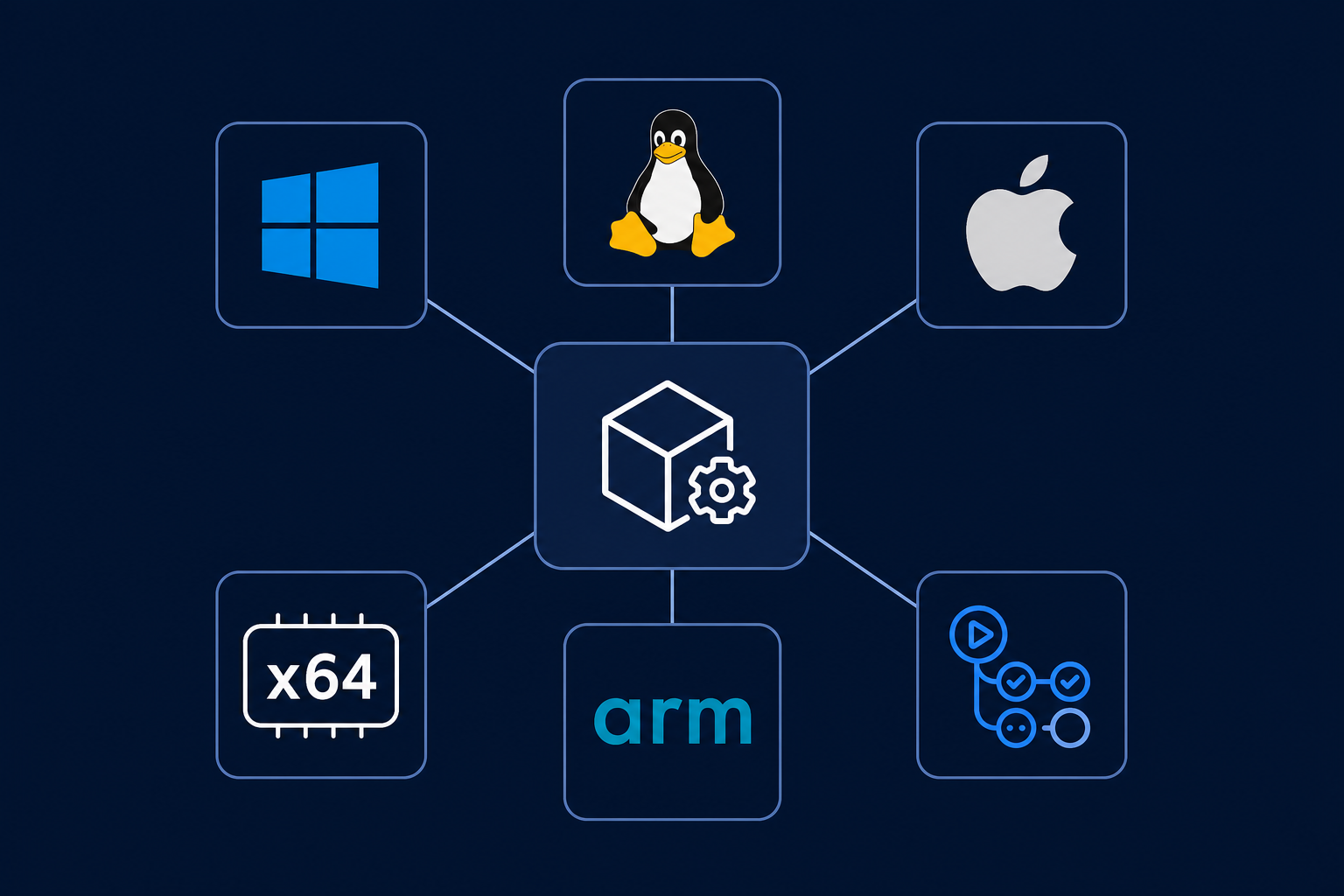
This is the part that required the most CI work. The native library needs to exist as a compiled binary for every platform .NET supports (well almost every…). MQNet targets six runtime identifiers:
| RID | Cargo target |
| win-x64 | x86_64-pc-windows-msvc |
| win-arm64 | aarch64-pc-windows-msvc |
| linux-x64 | x86_64-unknown-linux-gnu |
| linux-arm64 | aarch64-unknown-linux-gnu |
| osx-x64 | x86_64-apple-darwin |
| osx-arm64 | aarch64-apple-darwin |
The CI runs a 6-way matrix job. Each job clones the upstream mq repo at a pinned tag, installs the Rust toolchain for that target, and builds only the mq-ffi crate:
- name: Clone mq at pinned tag
  run: git clone --depth=1 --branch ${{ env.MQ_TAG }} https://github.com/harehare/mq.git .mq
- name: Build mq-ffi
  run: cargo build --release -p mq-ffi --target ${{ matrix.cargo-target }}
  working-directory: .mq
The pinned tag is important, because it ensures all six platform builds use exactly the same Rust source code.
Linux ARM64 cross-compilation
GitHub Actions does not natively support ARM64 Linux runners, so that target uses cross, which runs the Rust compiler inside a Docker container configured for cross-compilation:
- name: Build mq-ffi (cross-compile)
  if: matrix.cross == true
  run: cross build --release -p mq-ffi --target aarch64-unknown-linux-gnu
Everything else is a native build on the matching OS runner. Each job uploads its binary as a GitHub Actions artifact. The subsequent build and pack jobs download all six artifacts and place them where they need to go.
The Split NuGet Package Model
A single .nupkg containing six different native binaries would mean every user downloads five unnecessary binaries. The standard solution is to split them into separate packages using NuGet’s runtime identifier graph.
MQNet publishes seven packages on each release:
– MQNet the managed C# library, no native binaries
– MQNet.Runtime.win-x64, win-arm64, linux-x64, linux-arm64, osx-x64 and osx-arm64 one per platform, each containing only the native binary
Users just install MQNet. The main package’s .nuspec declares dependencies on all six runtime packages, and NuGet’s RID graph resolves which one to actually download based on the current platform. No manual configuration needed! Neat!
Each runtime package is a minimal SDK-style project. It produces no managed assembly and its only job is to carry the native binary at the right path:
<ItemGroup>
  <None Include="runtimes\win-x64\native\mq_ffi.dll"
        Pack="true"
        PackagePath="runtimes\win-x64\native\" />
</ItemGroup>
When NuGet restores the package, it places the binary at runtimes/
Summary
The pattern used in MQNet, a thin managed wrapper over a C FFI, distributed as a split NuGet package is applicable to any Rust, C, or C++ library you want to bring into the .NET ecosystem. The main things to get right are [LibraryImport] with source-generated marshalling instead of old [DllImport], [assembly: DisableRuntimeMarshalling] for correct struct ABI, explicit memory ownership across the language boundary, and the runtimes/
The source is at github.com/panuoksala/mqnet and the package is available on NuGet as MQNet. If you are working with Markdown in .NET and want to query it like you would query JSON with jq, give it a try.